

Publishing a new page can feel like the finish line, but from an SEO perspective, it is really the beginning. You can spend hours creating a useful article, optimizing its headings, improving the copy, and building Internal Linking throughout your website, yet none of that matters if Google cannot properly discover and index the page.
Indexing is what allows Google to store and consider a webpage for its search results. When an important URL remains outside Google’s index, there is little chance of generating organic traffic. Fortunately, Google Search Console gives website owners several tools for finding out what is happening and where things are going wrong.
If your website has pages that are not showing up in Google, here’s how to diagnose the problem and fix it.
What Does Google Indexing Actually Mean?
Before fixing an indexing problem, it helps to understand what happens after you publish a webpage.
Google generally discovers URLs through links, sitemaps, and other sources. It then crawls those pages to understand their content. If the page meets Google’s requirements and is considered useful and eligible for inclusion, Google can add it to its index.
Being indexed does not guarantee a high ranking. It simply means Google has stored the page and can potentially show it in search results.
This distinction is important because a page can be technically accessible but still remain unindexed.
Start With the Pages Report in Google Search Console
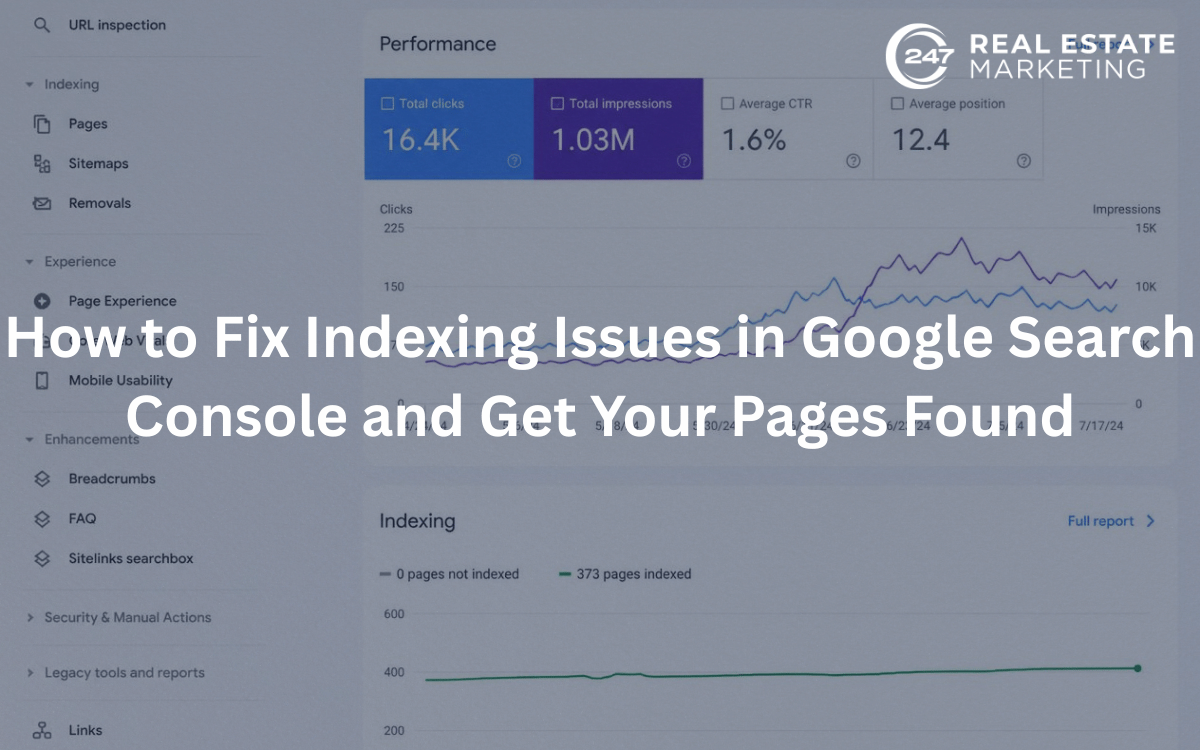
The first place to investigate is the Pages report in Google Search Console.
Instead of guessing why a page isn’t appearing, look at the status Google has assigned to it. Search Console can reveal whether a URL has been indexed, excluded, redirected, blocked, or discovered but not yet crawled.
Look for patterns rather than focusing on one URL at a time.
For example, if dozens of important pages have the same exclusion reason, you may be dealing with a sitewide technical problem. If only a handful of pages are affected, the issue may be related to their content, links, canonical settings, or page configuration.
Common Indexing Problems You May Encounter
Crawled – Currently Not Indexed
This status means Google has already visited the URL but has not added it to the index.
There can be several reasons for this. The page might offer limited original value, closely resemble another page, or simply not appear important enough to Google at that moment.
Start by reviewing the content.
Ask yourself:
- Does this page provide information that users actually need?
- Is it substantially different from similar pages on the website?
- Does it answer the search intent clearly?
- Does it contain enough useful information?
- Is the page complete and professionally written?
If the answer to several of these questions is no, improve the page before requesting indexing again.
Discovered – Currently Not Indexed
Here, Google knows the URL exists but has not crawled it yet.
Large websites can sometimes have thousands of URLs competing for Google’s crawling resources, but even smaller websites can encounter discovery problems when important pages have weak site connections.
Make sure the page appears in your XML sitemap and is linked naturally from relevant pages.
Duplicate or Similar Pages
Duplicate content can create confusion about which URL should represent a particular topic.
Review pages with similar titles, descriptions, and body content. Where multiple URLs serve essentially the same purpose, consider consolidating them, redirecting unnecessary versions, or using an appropriate canonical URL.
Your goal is to make it clear which page deserves to be indexed and shown in search.
Accidental Noindex Directives
A noindex directive tells search engines that a page should not be included in their index.
This can be useful for pages that genuinely should remain out of search results. The problem occurs when it is accidentally applied to an important service page, landing page, blog post, or category page.
If an important page isn’t indexed, check its robots meta directives and SEO settings before doing anything else.
Use the URL Inspection Tool
The URL Inspection Tool provides a more detailed look at an individual page.
Enter the affected URL and check whether Google can access it, whether indexing is allowed, and whether Google has selected a different canonical URL.
This is especially useful when a page appears technically fine but still isn’t showing in search.
Don’t simply request indexing immediately. First understand the reason for the exclusion and correct the underlying problem.
Check Your Robots.txt File
Your robots.txt file controls which parts of your website crawlers are allowed to access.
A poorly configured rule can unintentionally prevent Google from crawling important resources or pages.
Review your robots.txt file whenever you notice unusual indexing patterns. Pay particular attention to recently added rules, development changes, or plugins that may have modified your site’s technical configuration.
Remember that robots.txt and noindex serve different purposes. Blocking a URL from crawling does not function as a substitute for a noindex directive.
Review Canonical Tags
Canonical tags help Google understand which version of similar pages should be treated as the preferred URL.
For example, if several URLs contain substantially similar information, the canonical signal can help indicate which page should be considered the main version.
Check that important pages do not accidentally point their canonical tags toward another URL.
A common mistake is having a page that appears perfectly normal to visitors while its canonical tag tells Google to prioritize a completely different page.
Improve the Page Before Requesting Indexing
Technical fixes are only part of the solution.
If a page has weak, repetitive, or outdated content, simply submitting it for indexing again is unlikely to solve the underlying problem.
Look at the page from a user’s perspective.
Strengthen the introduction, answer the main search intent, add useful examples, remove unnecessary filler, update outdated information, and make the page genuinely more valuable than a basic collection of keywords.
For commercial websites, this is where Content Marketing can play an important role. Consistently publishing useful resources can create stronger information architecture while giving Google more meaningful pages to discover and understand.
Strengthen Your Website’s Internal Structure
Important pages shouldn’t be isolated.
Make sure relevant articles, service pages, category pages, and other resources connect naturally to one another. This helps users navigate your site and gives search engines additional paths for discovering important URLs.
Think about your website as a connected structure rather than a collection of independent pages.
A new service page, for example, could be linked from a relevant service hub, supporting blog posts, and related pages where the connection makes sense.
Keep Your XML Sitemap Updated
Your XML sitemap gives search engines a list of URLs that you consider important.
Check that your sitemap includes the pages you want indexed and doesn’t contain unnecessary URLs such as redirected, deleted, or intentionally excluded pages.
After major website changes, review the sitemap again. A clean sitemap won’t guarantee indexing, but it can make URL discovery more efficient.
Don’t Rely on “Request Indexing” Alone
The URL Inspection Tool allows you to request indexing after making changes. This can be useful for important pages, particularly after correcting a technical issue.
However, requesting indexing isn’t a shortcut around quality or technical problems.
If Google repeatedly refuses to index a page, investigate why instead of continuously submitting the same URL.
Fix the cause first. Then request indexing.
How to Prevent Indexing Problems in the Future
The best indexing strategy is proactive rather than reactive.
Schedule regular checks of your Search Console reports and look for sudden increases in excluded URLs. Review new pages before publishing them, verify canonical settings, maintain your sitemap, and remove unnecessary duplicate pages.
You should also pay attention to your website architecture as the site grows. Adding hundreds of pages without a clear structure can make it harder for both users and search engines to understand which content matters most.
A regular technical SEO review can catch many of these problems before they become major visibility issues.
Final Thoughts
Indexing problems can be frustrating because everything may look perfectly normal when you visit a page in your browser. But Google’s ability to crawl, understand, and index that page depends on much more than what a visitor sees.
Google Search Console gives you the information needed to investigate these problems. Start with the Pages report, inspect affected URLs individually, check robots.txt and canonical settings, review noindex directives, improve weak content, strengthen your site’s structure, and maintain a clean XML sitemap.
Most importantly, don’t treat indexing as a one-time task. As your website grows, new pages, redirects, templates, plugins, and technical changes can create new problems.
A healthy SEO foundation combining useful content, strong technical performance, thoughtful Website Design, and a clear site structure. When those elements work together, search engines can more easily discover your important pages and users have a better experience once they arrive. Indexing isn’t the final goal of SEO, but it is an essential step toward earning sustainable organic visibility.